Remove Duplicate Lines
Remove repeated lines from text. No signup required.
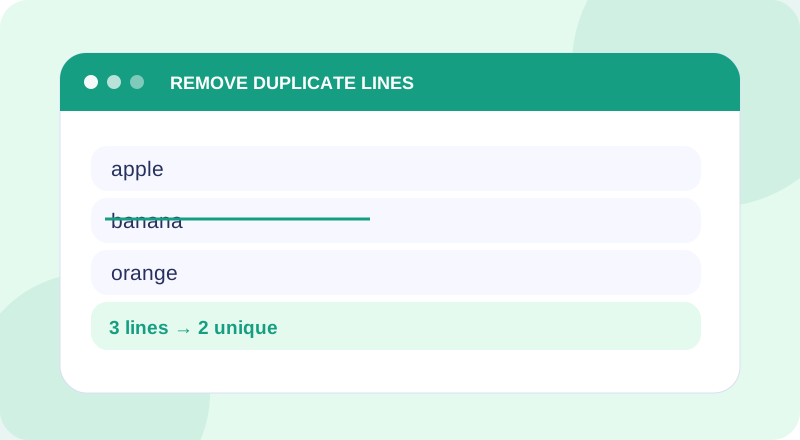
Remove Duplicate Lines Tool
Enter your information below to get started.
What Is Remove Duplicate Lines?
Remove duplicate text lines while keeping the first occurrence. Clean repeated entries in lists with this free online duplicate line remover.
Matching is case-sensitive and includes whitespace. “Apple” and “apple” are treated as different lines.
How to Use Remove Duplicate Lines
- Paste multiple lines and select Remove Duplicates. The first occurrence of each exact line is kept in its original order.
- Check the input and run the tool with a small sample first.
- Review the result and use Copy Result when you need to reuse it.
Features and Benefits
Use the utility without a paid plan or account.
Simple inputs and clear output for the task.
Use the tool from a phone, tablet or computer.
Examples and explanations help you check results.
Example and Important Notes
Example: Example: red, blue, red on separate lines becomes red, blue.
Things to remember: Matching is case-sensitive and includes whitespace. “Apple” and “apple” are treated as different lines.
When to Use This Tool
- Clean repeated names from a list
- Deduplicate copied identifiers
- Remove repeated entries from notes
Frequently Asked Questions
What does Remove Duplicate Lines do?
Remove duplicate text lines while keeping the first occurrence. Clean repeated entries in lists with this free online duplicate line remover.
How do I use Remove Duplicate Lines?
Paste multiple lines and select Remove Duplicates. The first occurrence of each exact line is kept in its original order.
What should I know about the result?
Matching is case-sensitive and includes whitespace. “Apple” and “apple” are treated as different lines.
Is Remove Duplicate Lines free to use?
Yes. This tool is available without signing up.