Base64 Encoder / Decoder
Encode or decode Unicode text with Base64. No signup required.
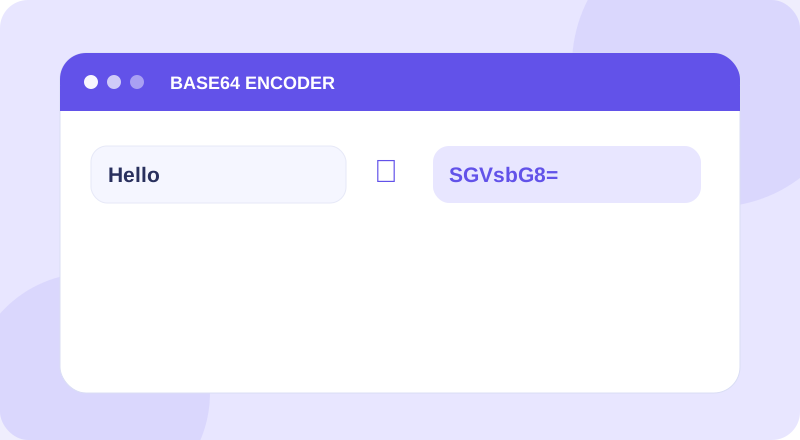
Base64 Encoder / Decoder Tool
Enter your information below to get started.
What Is Base64 Encoder / Decoder?
Encode Unicode text to Base64 or decode Base64 back to readable text. Free browser-based Base64 converter; encoding is not encryption.
Base64 is an encoding, not encryption. Never use it to protect passwords or secrets.
How to Use Base64 Encoder / Decoder
- Type text and choose Encode to produce Base64, or paste Base64 and choose Decode to restore UTF-8 text.
- Check the input and run the tool with a small sample first.
- Review the result and use Copy Result when you need to reuse it.
Features and Benefits
Use the utility without a paid plan or account.
Simple inputs and clear output for the task.
Use the tool from a phone, tablet or computer.
Examples and explanations help you check results.
Example and Important Notes
Example: Example: encoding “Hi” gives “SGk=”.
Things to remember: Base64 is an encoding, not encryption. Never use it to protect passwords or secrets.
When to Use This Tool
- Inspect Base64 text during debugging
- Convert short Unicode strings
- Decode encoded sample payloads
Frequently Asked Questions
What does Base64 Encoder / Decoder do?
Encode Unicode text to Base64 or decode Base64 back to readable text. Free browser-based Base64 converter; encoding is not encryption.
How do I use Base64 Encoder / Decoder?
Type text and choose Encode to produce Base64, or paste Base64 and choose Decode to restore UTF-8 text.
What should I know about the result?
Base64 is an encoding, not encryption. Never use it to protect passwords or secrets.
Is Base64 Encoder / Decoder free to use?
Yes. This tool is available without signing up.